Description of Shortcut Operations
Chapter 3 · Manual page 131
- Swipe up or down with two fingers on any interface of the central screen to adjust the temperature.
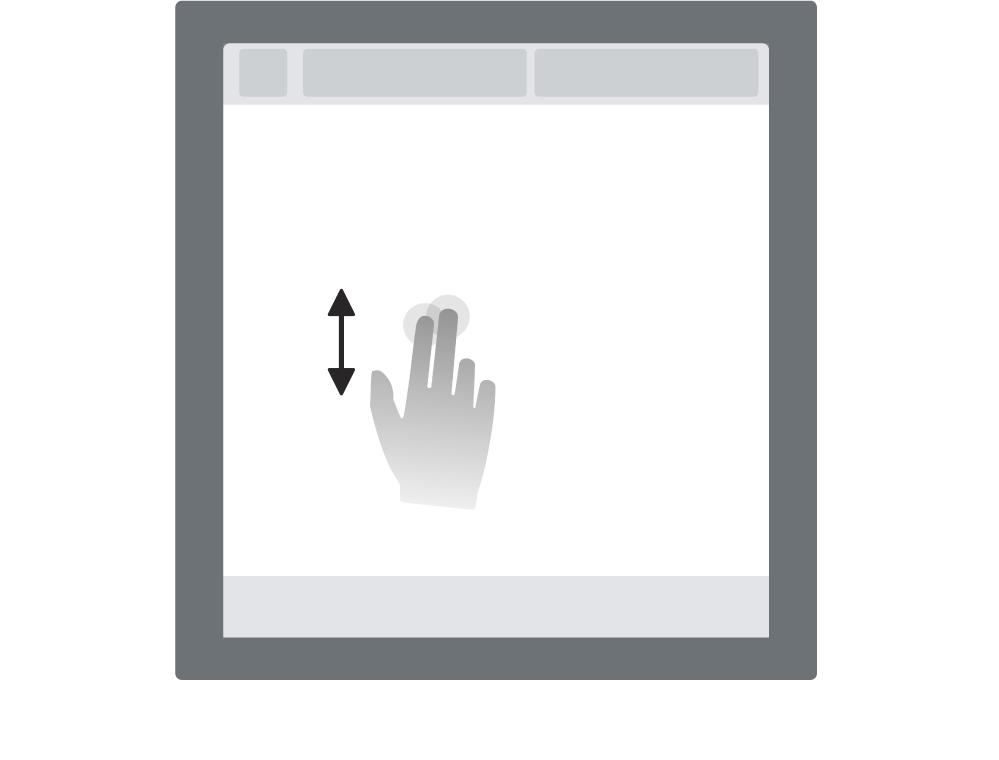
The shortcut operation is only for the driver vents.
- Swipe left or right with two fingers on any interface of the central screen to adjust the blower speed.
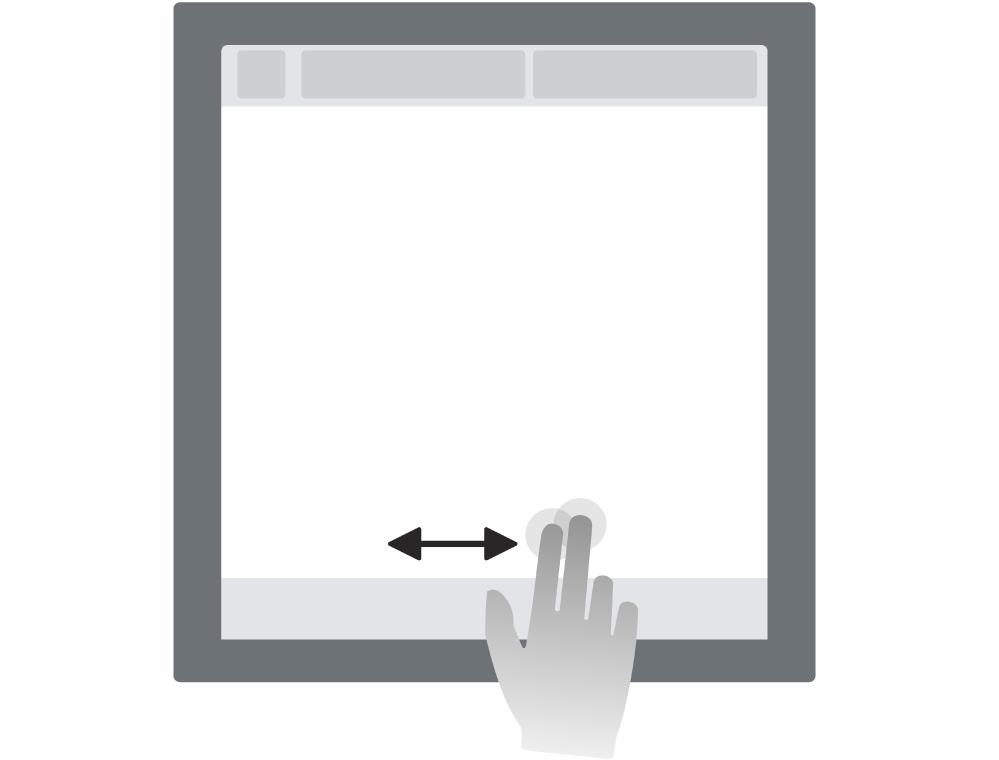
The shortcut operation is only for the driver vents.