Bluetooth Phone
Chapter 3 · Manual page 140
- After the mobile phone Bluetooth is successfully paired and connected with the vehicle Bluetooth, open the “APP List > Phone” on the central screen; Upon authorisation by the user, the contacts, call history and other data will be synchronized to the vehicle.
You can make a call by tapping a contact, call history, or entering a number on the dial.
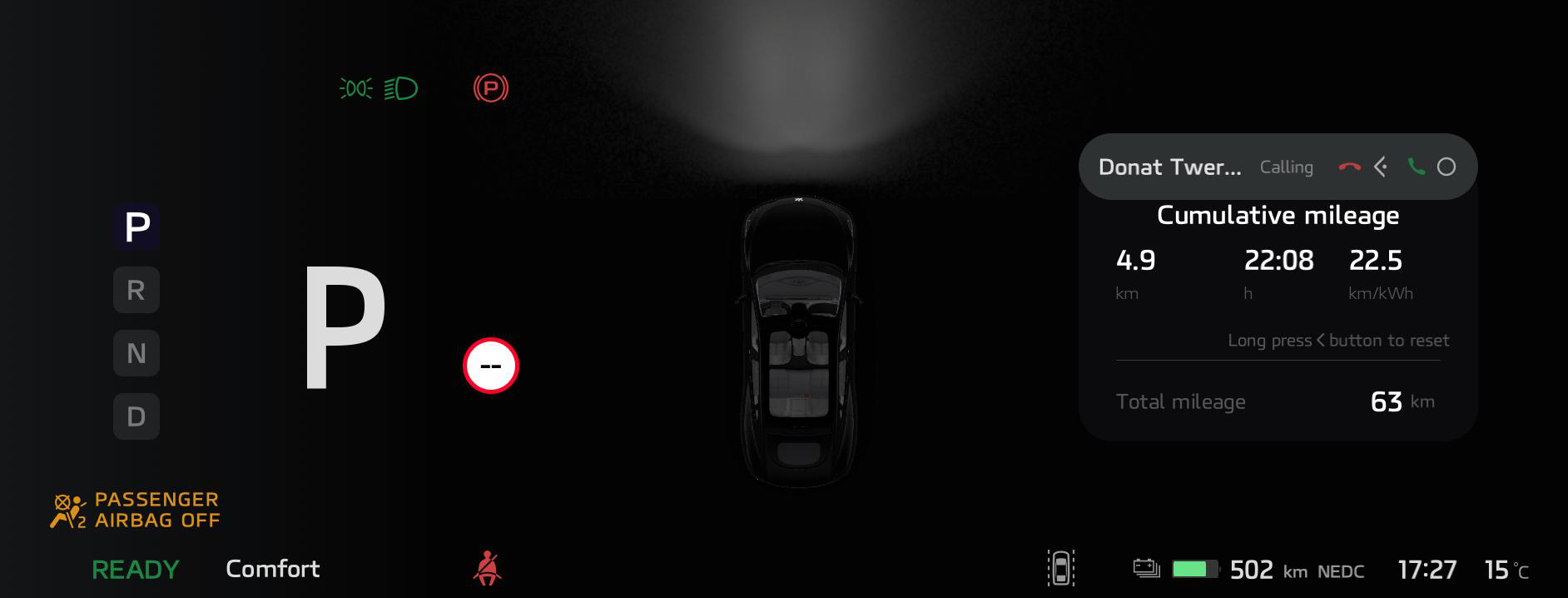
- When a phone card is displayed on the instrument pack, the user should follow the prompts on the card to dial left or press the right teering wheel switch to hang up or answer the call.